OST Recovery Software

(4.7/5 Rating based on 72126 Reviews)

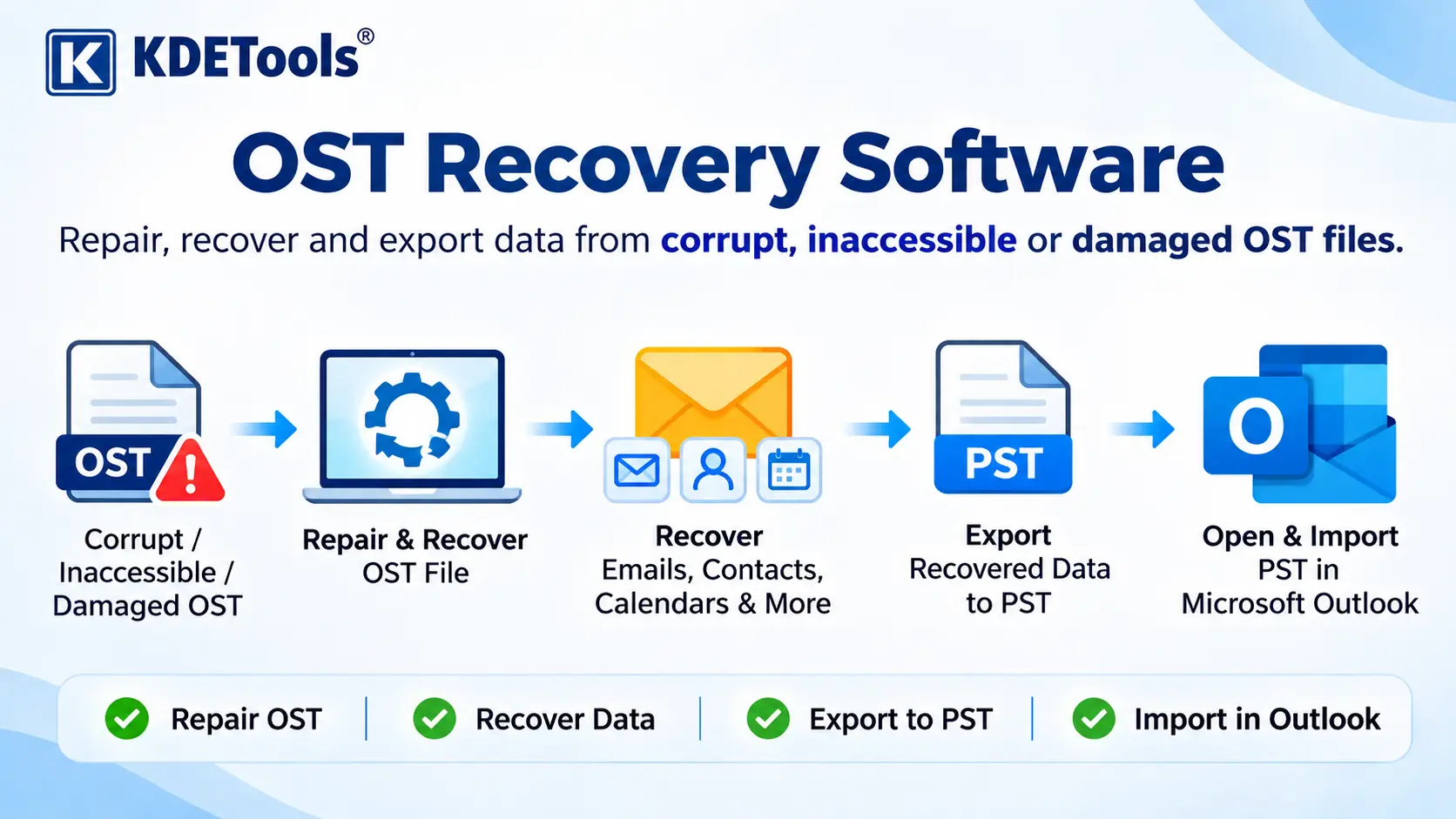
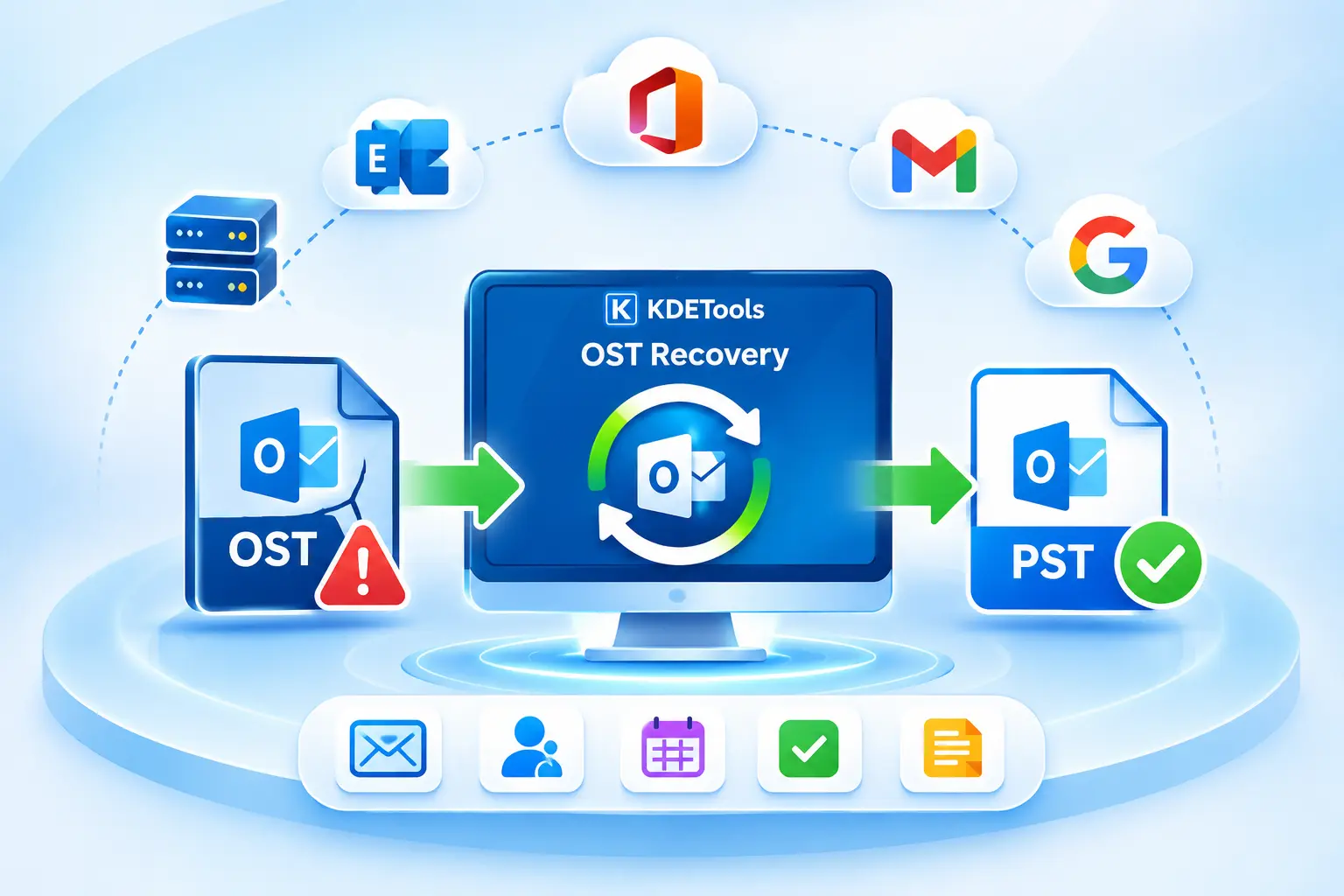
KDETools' OST recovery software (SaaS & Automated Tool) is a smart and powerful solution to restore emails from inaccessible OST files. This tool is specially designed to repair ost file, recover emails from corrupt OST file and damaged OST files. Authentic recovery of OST email data with entire email content, folder/labels, and original hierarchy structure.

Effective in recovery of Inaccessible OST, Corrupt OST, and Damaged OST files.
Restore OST in Batch: Yes, in batch/multiple OST file recovery is possible.
Larger file support: Large size OST files recovery tested up-to 80GB successfully.
Keep intact Email meta-info like: Sender & Receiver info, BCC, CC, To, Subject Data & Time.
Recover entire original email content and information stored in OST files.
Software is capable to repair corrupt OST files in bulk and recover emails.
On 11th November 2026, successfully repaired a 48.50GB OST file and recovered emails.

Download now to test for full demonstration (Limited recovery with free version).

Windows User
Mac User
650k+
Windows User
165k+
macOS User
OST Recovery Software - Recover Emails, Contacts, Calendars, Tasks and Other OST Data
OUR PRESTIGIOUS CLIENTS
🔴 COMCAST
DC.gov
State Bank
POLICIA FEDERAL
CANADAHITECH
hp
orange™
PDB
MANTL

Data Preservation with OST Recovery Tool

Emails
Attachments
Date/Time
Calendar
Contacts
HTML Body
From / To / CC / BCC
Local Folders
Folder Structure
Metadata

Powerful Features of OST Recovery Software

OST Email File Mapping to Google Workspace

Easy Mapping can be done for OST email file to its designated Google Workspace account. One can start process of mailbox mapping, by choosing designated users, get particular required mailbox and also select multiple users selection via CSV file. Add the entry into a CSV file of all users. Feature support with - M:1, 1:M 1:1, and M:M mapping mailbox.

OST File's Default Mailboxes Mapping

Enable Mapped with Default Mailboxes to automatically match standard folders, including Inbox, Sent Items, Drafts, and Deleted Items, with their corresponding folders in the destination. In Google Workspace, the mappings are Inbox → Inbox, Sent Items → Sent Items, Drafts → Drafts, and Deleted Items → Deleted Items; in Google Workspace, Deleted Items → Trash. Click on enable Hierarchy to maintain the original folder and sub-folder structure throughout the migration.

OST File Mapping to Office 365

Assign each OST file to its target Office 365 mailbox account. Mailbox mapping lets users choose destination accounts, selection options for particular mailbox only, and you can also setup multiple users via a CSV file format in which you can add users details. Mapping supports - 1:1, 1:M, M:1 and M:M.

OST File Deault Mapping to Microsoft Office 365

When migrating to Office 365, Mapped with Default Mailboxes automatically assigns standard folders to their matching locations: Inbox → Inbox, Sent Items → Sent Items, Drafts → Drafts, and Deleted Items → Deleted Items. To keep the mailbox organised as it was originally, enable Follow Tree Hierarchy to maintain the existing folder and subfolder structure during migration. Also, using this OST file recovery you can easily acess OST orphaned file on your Outlook desktop version (classic Outlook) and read also how to How to Open OST File in Outlook.

Screenshots | Step-by-Step Guide

Check Below How this OST Recovery Tool Works!

All of these steps are very clear to demonstrate about how to repair and recover OST files.

STEP 1 OF 8
Step 1: Browse and add an OST file in OST recovery tool
OST Recovery software's Screenshot
STEP 1 · ADD YOUR FILE

Load an OST File or Folder

Choose to Add File or Add Folder to load OST emails.

Advance Features of OST Recovery Tool

These are the features of OST file recovery software you will find effective and useful.

When to KDETools OST Recovery Tool?

Classic version of Microsoft Outlook has an in-built export functionality for archive where users can save OST file of Exchange Server and IMAP server in PST format. But there are certain drawbacks associated with it. Why?

  • IMAP Server Not Present
  • Server Down or Exchange User Deleted
  • Working with Another User’s OST File
  • Restore OST to PST without Outlook
  • Migrate OST Data to Another Email Platform
  • Restore Inaccessible/Corrupted and Offline OST
  • Convert Orphaned OST Files and Other Users’ OST Data
KDETools ost file recovery workflow information

KDETools Advance Features of OST Recovery

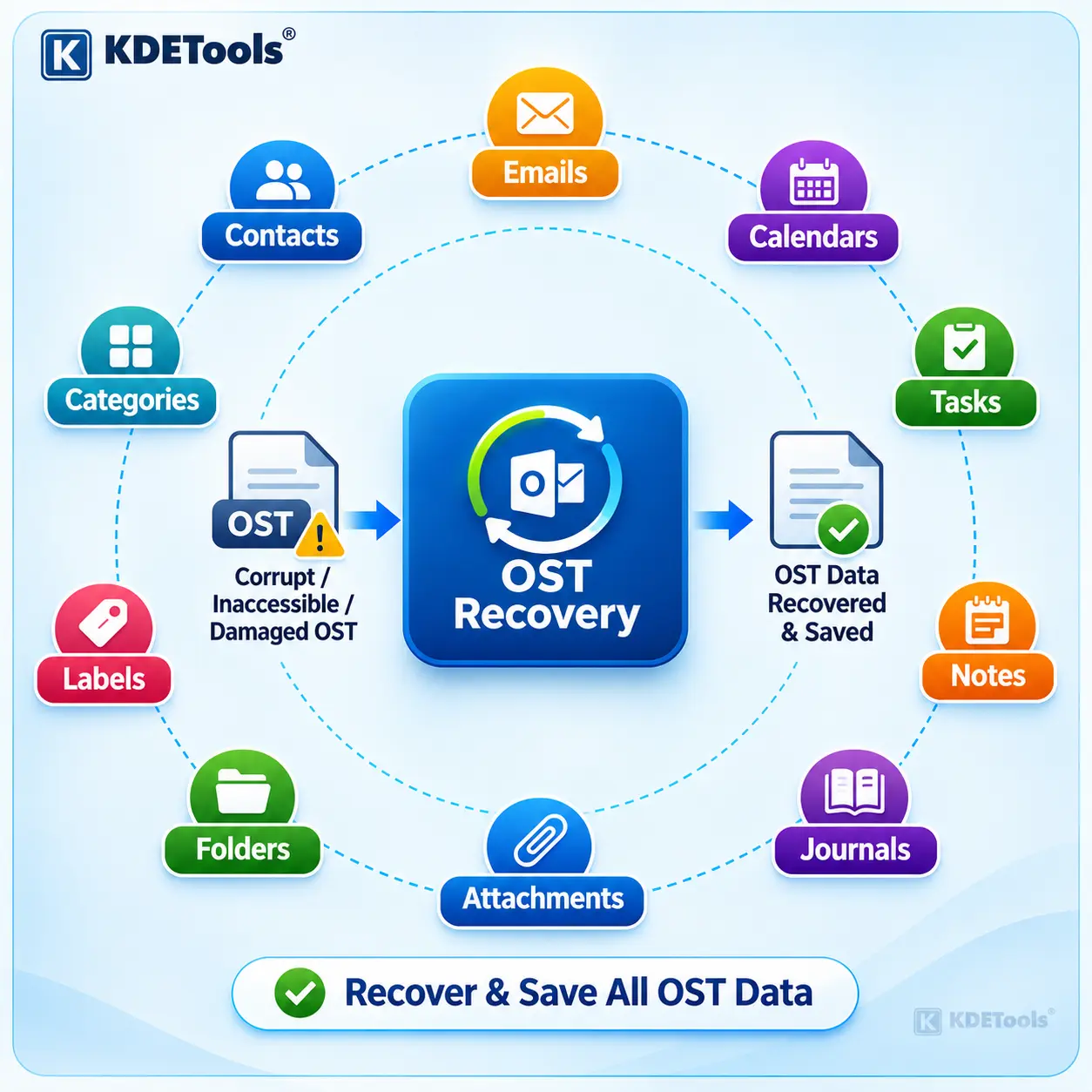
Recover OST files' e-mails, contacts, attachments, tasks, and all custom created email labels/folders with original heirarchy. Using this OST recovery software you can recover and store all recovered email data in multiple file formats.

Advance Scan of Corrupt OST File

Yes this is one of the useful feature provides benefit of getting back to emails those are almost lost and inaccessible due to any reason like corrupt, damage or server error. This OST recovery software is a lifeline when it comes to fix corrupt OST file and restore back entire email files into different email format and documents formats.

Entirely Recover OST email files

This advance program for OST email recovery not just recover emails but restore entire OST email data files and folders such as - Inbox, Sent, Deleted items, Outbox, Draft, Custom email folder and hierarchical such other folders with authenticity of email text content and formatting.

Restore OST Contacts and Calendar Preserve

This program is one of the best when it comes to restore important contacts and calendar entries of email stored into OST data file. Without contact and calendars entries emails are not useful in any business or in personal use. So this OST email recovery tool is perfect choice to get back contacts and calendars stored into OST data.

Restore OST Emails in All Formats

OST Recovery software provides easy of access and process in recvery and restoration of OST files. Along with repair and recovery it is required to store alle email data into a safe accessible format. There are many email formats and documents formats available to restore back OST file like: Document formats PDF, HTML, Txt and email formats such as - PST, MBOX, EML, EMLX, and MSG and vCard (Contacts), vCal (Calendars).

Takeout OST emails to Office 365 Directly

Yes, OST file migration tool easily takeout and migrate OST emails and all items and folders to the Online Exchange Server mailbox and to Office 365 account.This OST recovery software includes a "Message Filtration Option" to simplify the restoration process. Also, restore OST emails directly to Office 365, Google Workspace, Gmail, iCloud, Zoho Mail and to Imap accounts.

Export & Restore OST to PST and NST

Export refers conversion of recovered emails and so there are more than 30+ options to export OST files. You can use this OST recovery tool on Windows OS and Mac OS too to export OST emails into PST format and NST email format.

Meta-Data info Preservation

Meta-data information is crucial and required in order to point and check the sender receiver information, time, date, subject and attachments. When meta-data information and attachments lost due to corruption into OST file it becomes impossible to carry forward business email communication in perfect way. This OST recovery software is capable enough to preserver meta-data information and attachments of OST emails.

Preview of Emails with Benefits

This is one of the useful feature also provides ease in selection of emails and folder while previewing emails and a go through to avoid unwanted email and folders restoration. Preview of emails in simple interface makes it easier to check which email file and folder is important and selectable. Preview makes decision to restore desired OST emails files and folders.

Supports All Microsoft Outlook 2024 & Below

With KDETools OST recovery software recover and restore any OST file generated or backed up by any Outlook version. After the successful recovery of OST emails users are able to save into PST format supported by Microsoft classic Outlook 2024, 2021, 2019, 2016, 2013, 2010, 2007, 2003.

Recover single Or Choice of multiple OST files

OST Recovery tool is an easy and efficient tool which helps you to add single or multiple OST files at one time. You can add single OST file for recovery or multiple any numbers of OST files at one time for restoring mailbox data irrespective of size. Using this OST recovery tool offers two ways to select & add OST File for Recovery. First way is it enables users to select Single OST File for Recovery and second is it enables users to select Multiple OST Files for Batch OST Recovery.

Larger in Size OST Files Recovery

There has been a comprehensive assessment of the ost recovery tool of KDETools for managing ost files. This has been well thought out because it is a well designed software that can be used to recover and restore OST files and which can help in converting OST files into PST format when there are problems with the Exchange server including failure and outlook synchronization problems. This tool allows you to convert OST mailbox into PST with 99.9 percent precision in data extraction.

Remove OST Files' S/MIME or OpenPGP Encryption

This OST recovery tool is also referred to as OST Fix Tool that can help you decrypt the OST mail and decrypt the encryption on these OST mails that are encrypted using S/MIME or OpenPGP encryption. To "Remove Encryption" you only need to fill up certificate files or passwords Note: software does not remove password itself and not a password remover. All would be handled in users' end and as per compliance software is designed and developed - all information is secured on their respective owners' end and software does not even store or fetch any information of users.

Restore Selected Only Email & Items from OST File

To restore only desired choice of emails and content or items from the recovered OST file, you only need to check or uncheck the respective items and then click on export. This way one can export emails, contacts and calendars from OST file. Also, using this OST file recovery tool, you are able to select and check the file or folder that you want to export PST, MSG, EML, OLM, MBOX, HTML, PDF. So using this smart tool for OST recovery you can rebuild corrupt OST files and folders into a working new email file format without any changes or missing information and with full authenticity of structure (hierarchy folder system).

Convert OST File in 10+ Document Formats

Blended feature like quick scan and advance scan are now updated into this new version of OST recovery software, it is not more powerful and effective for less corrupt and highly corrupt OST files. So less corrupted or highly corrupted both types of OST files are supported to be restored. Here, OST recovery & NST recovery tool uses blend of advance email recovery feature to restore OST emails in Outlook 2024, 2021, 2019, 2016, 2013, and 2010.


Customer perspectives

Case Studies of Corporate/Enterprise Clients!

Explore these positive and real case-study, reviews and comments from our recent customers with their feedback on KDETools OST Recovery Software.

bill gardner real review for kdetools ost recovery software

Bill Gardner

United States

Verified Buyer

KDETools for OST file repair tool is a simple interface and the way the tool provided a OST repairing process without making things unnecessarily complicated. It felt like a practical solution when recover a damaged or inaccessible OST file with complete data. Overall, a useful and reliable OST Recovery tool for anyone looking for an efficient way to recover Outlook OST data to save into PST format now quick import in Microsoft Outlook 2024

emma thomas review for ost recovery tool

Emma Thomas

France

Verified Buyer

I was genuinely impressed with my experience with KDETools OST Recovery. The recovery process was straightforward, and the software made it much easier to handle and recover important OST mailbox data to save in Outlook PST format with all my mailbox folders etc.

Conversion guidance
Verified Professionals Recent Verified Buyers & Professionals — Their Real experiences with OST email recovery, restore and exportation of emails.

Frequently Asked Questions

How Can I Use KDETools OST Recovery Software to get back emails?

"Hi, I had been using Microsoft Outlook 2016 on a PC and Outlook 2013 on different PC and Now I want to access all my emails stored in OST files of Outlook 2016 and 2013 version. Please provide steps how to use OST recovery tool."

Answer: This simple and easy using KDETools OST recovery program, follow these 4 steps to restore back OST email files:

  • 1st step: Download OST recovery oftware and Install.
  • 2nd step: Add File - Browse and emails will be loaded.
  • 3rd step: Fill up password to remove S/MIME & OpenPGP protected OST File
  • 4th step: Preview all recovered email data of OST into software interface.
  • 5th step: Now select PST file from "Export List" and click on "Convert" Button.
  • 6th step: That is all about how you are able to DIY using this OST recovery software.

I want recover multiple OST files in batch, can this tool recover all my emails?

Answer: Yes, This tool is effective in handling multiple OST file recovery in a one go, it saves alot time and software is capable enough to process recovery of emails. KDETools OST recovery tool is a powerful and most trusted program ever developed first since 2016 with powerful recovery techniques (code-designed for automated email recovery). Any corrupt OST file or inaccessible also supported.

Can I use this OST file recovery for free, I have single OST file?

Answer: Yes, you can use free OST file recovery and check all features and effectiveness of email recovery. But with free version there is a limit of 30 emails per folder recovery and restoration into PST format. No matter if you have single OST file or multiple OST files, a license key of OST recovery software would be required for complete emails and folders data recovery.

Is KDETools OST recovery software support to recover corrupt OST files?

Answer: Yes, you can recover corrupt OST files easily using KDETools OST recovery tool or you can call it software. Recover back all emails from OST and restore into PST format for Outlook import ready.

How can I be sure about data authenticity and can it preserve my email data, labels and structure?

Answer: KDETools OST recovery wizard is a smart and powerful program ever designed in providing authentic result with zero data loss and zero alteration. For this, try the free trial version and check the claims and how this OST recovery software is effective in preserving email, attachments, hierarchy, labels, contacts, calendars, and so on with authenticity.

How can I recover large size OST files using this tool?

Answer:Yes, for this a trial version is offered, test all features and you will see all emails are recovered perfectly and can be check in preview pane interface of OST recovery software. Then you will be able to sure about the software true strength on OST email recovery.

My OST file is corrupt how can I get back my emails and content?

Answer:Corrupt OST file are supported by KDETools OST recovery software, low corrupt or highly corrupt and inaccessible OST files will be repaired and restored back with originality into a new email format. That new email file in which all OST data restored can be import on Outlook.

How can I recover deleted emails from OST file with attachments?

Answer:It is possible to recover even deleted emails from OST file using this effective and smart OST recovery software.

Can I restore OST emails back to Outlook?

Answer: Definitely you can restore OST emails to your Outlook account, either simply restore OST into PST format or directly migrate OST emails to Outlook client classic/modern version.

50+ Solutions | Served 950k+ Customers Worldwide!

Products