
One-time payment • No renewal lock-in (Enterprise Key)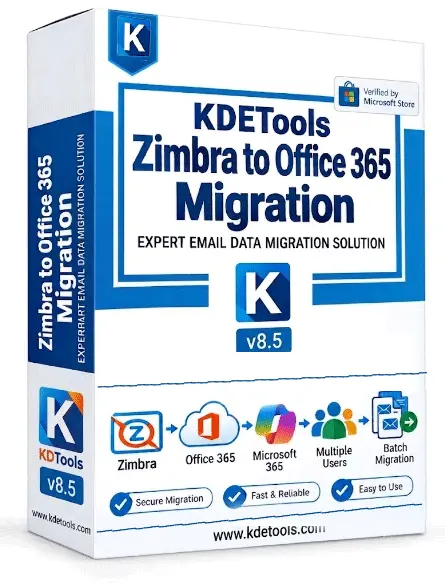 Choose Your - KDETools Zimbra to Office 365 Migration (License)Special - prices are illustrative. Configure the correct FastSpring and PayPal checkout URLs before publishing. |
Corporate LicenseFor Corporate Usage Save $300 USD$499 $199 USD
Full 1 Year
Instant License Delivery / Digital License Key Buy Now Pay with PayPal by Debit or Credit CardPay with the Credit Card or Debit Card without a PayPal Account |
★ Most Popular
Technician LicenseFor Firms / Technicians Usage Save $900 USD$1499 $599 USD
Lifetime
Instant License Delivery / Digital License Key Buy Now Pay with PayPal by Debit or Credit CardPay with the Credit Card or Debit Card without a PayPal Account |
Enterprise LicenseFor Organizations / Commercial & MSPs Save $1300 USD$2999 $1699 USD
Lifetime
Instant License Delivery / Digital License Key Buy Now Pay with PayPal by Debit or Credit CardPay with the Credit Card or Debit Card without a PayPal Account
|
|---|---|---|---|
| Installations | The Corporate version can be run on up to 5 machines (desktop or laptop). | The Technician version can be run on up to 10 machine for (Desktop or laptop) for IT Service & IT Consultants / Organizations staff use. | The Enterprise version can be run on up to 200 machine for (Desktop or laptop) for Entire Organizations / Commercial / Educational / IT Service & IT Consultants / Govt Usages. |
| Process unlimited Zimbra Mailbox / Server Data | Limted Number of Mailboxes | Standard batch migration | Advanced bulk online Zimbra mapping/migration |
| `CSV User Mapping & Impersonation | Not available in this version | Not available in this version | Reports in the app and as "CSV" |
| Delta Migration* New | Not available in this version | Not available in this version | Supported Delta Migration |
| Read and Views all mailbox items (Emails, distribution lists, briefcase, Contacts and Calendars) | |||
| supports all Zimbra version (6+ +8, +9, +10) on prem | |||
| Apply Multiple Date Filters | |||
| Migration filters | |||
| Selective user migration | |||
| Cloud Migration | ✓ Office 365 & G Suite | ✓ Office 365 / Microsoft 365 & Google Workspace / IMAP Server | ✓ Office 365 / Microsoft 365 & Google Workspace / IMAP Server (Domain-wide) |
| Supported Formats |
All 10 Formats
📂 PST
⭕ MBOX
📄 PDF
📊 CSV
✉️ EML
👤 VCF Calendar
📅 vCard ICS
📩 EMLX
📫 MSG
🌐 HTML
|
All 20 Formats + Cloud Targets
📂 PST⭕ MBOX📄 PDF📊 CSV✉️ EML
📩 EMLX📫 MSG🌐 HTML🌐 MHTML
📝 OLM📄 RTF📑 TXT👤 VCF📅 ICS
|
All 30 Formats + Cloud Targets
📂 PST
⭕ MBOX
📄 PDF
📊 CSV
✉️ EML
📩 EMLX
📫 MSG
🌐 HTML
🌐 MHTML
📝 OLM
📄 RTF
📑 TXT
👤 VCF Calendar
📅 vCard ICS
✉️ Zimbra
✉️ Lotus Notes
|
| IMAP Mail Migration |
All Cloud Targets
🌐 Google Apps
📫 Outlook.com
🔴 Office 365
☁️ Exchange
|
All Cloud Targets
🌐 Google Workspace
🌐 Google Apps
🔴 Microsoft 365
🟣 Yahoo
📫 Outlook.com
📫 Hotmail.com
📧 Live.com
🔴 AOL
☁️ iCloud
🔴 Office 365
☁️ Exchange
🏢 Company IMAP
|
All Cloud Targets
🔴 Office 365
🌐 Google Workspace
☁️ Exchange
☁️ Rediff.com
☁️ iCloud
🌐 Microsoft O365
🟣 Yahoo
📫 Outlook.com
🔴 Microsoft 365
📫 Hotmail.com
📧 Live.com
🔴 AOL
☁️ Gsuite
☁️ Godaddy
🏢 Company IMAP
|
| OS Support | Windows & macOS | Windows & macOS | Windows & macOS |
One-time payment • No renewal lock-in (Enterprise Key)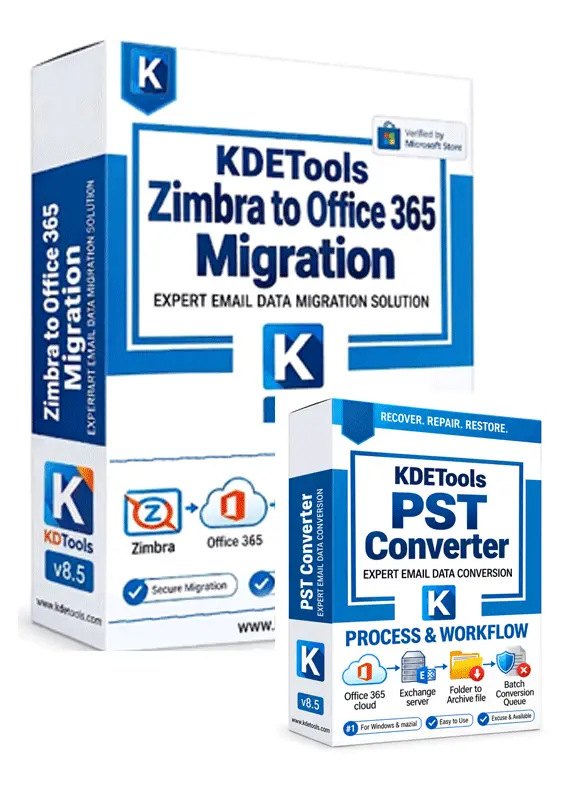 Choose Your Bundle 1-in-1 LicenseSpecial - prices are illustrative. Configure the correct FastSpring and PayPal checkout URLs before publishing. |
Corporate LicenseFor Home & Personal Usage Save $200 USD$499 $249 USD
1-Year License
|
★ Most Popular
Technician LicenseFor Corporate Usage Save $900 USD$1499 $699 USD
2-Year License
|
Enterprise LicenseFor IT Service & IT Consultants Usage Save $1000 USD$2999 $1999 USD
Lifetime License
|
|---|---|---|---|
| Installations | The Corporate version can be run on up to five machines (desktop or laptop). | The Technician version can be run on up to twenty machine for (Desktop or laptop) for IT Service & IT Consultants / Organizations staff use. | The Enterprise version can be run on up to multiple machine for (Desktop or laptop) for Entire Organizations / Commercial / Educational / IT Service & IT Consultants / Govt Usages. |
| Process unlimited Zimbra Mailbox / Server Data | Limted Number of Mailboxes | Standard batch migration | Advanced bulk online Zimbra mapping/migration |
| `CSV User Mapping & Impersonation | Not available in this version | Not available in this version | Reports in the app and as "CSV" |
| Delta Migration* New | Not available in this version | Not available in this version | Supported Delta Migration |
| Read and Views all mailbox items (Emails, distribution lists, briefcase, Contacts and Calendars) | |||
| supports all Zimbra version (6+ +8, +9, +10) on prem | |||
| Apply Multiple Date Filters | |||
| Migration filters | |||
| Selective user migration | |||
| Cloud Migration | ✓ Office 365 & G Suite | ✓ Office 365 / Microsoft 365 & Google Workspace / IMAP Server | ✓ Office 365 / Microsoft 365 & Google Workspace / IMAP Server (Domain-wide) |
| Supported Formats |
All 10 Formats
📂 PST
⭕ MBOX
📄 PDF
📊 CSV
✉️ EML
👤 VCF Calendar
📅 vCard ICS
📩 EMLX
📫 MSG
🌐 HTML
|
All 20 Formats + Cloud Targets
📂 PST⭕ MBOX📄 PDF📊 CSV✉️ EML
📩 EMLX📫 MSG🌐 HTML🌐 MHTML
📝 OLM📄 RTF📑 TXT👤 VCF📅 ICS
|
All 30 Formats + Cloud Targets
📂 PST
⭕ MBOX
📄 PDF
📊 CSV
✉️ EML
📩 EMLX
📫 MSG
🌐 HTML
🌐 MHTML
📝 OLM
📄 RTF
📑 TXT
👤 VCF Calendar
📅 vCard ICS
✉️ Zimbra
✉️ Lotus Notes
|
| IMAP Mail Migration |
All Cloud Targets
🌐 Google Apps
📫 Outlook.com
🔴 Office 365
☁️ Exchange
|
All Cloud Targets
🌐 Google Workspace
🌐 Google Apps
🔴 Microsoft 365
🟣 Yahoo
📫 Outlook.com
📫 Hotmail.com
📧 Live.com
🔴 AOL
☁️ iCloud
🔴 Office 365
☁️ Exchange
🏢 Company IMAP
|
All Cloud Targets
🔴 Office 365
🌐 Google Workspace
☁️ Exchange
☁️ Rediff.com
☁️ iCloud
🌐 Microsoft O365
🟣 Yahoo
📫 Outlook.com
🔴 Microsoft 365
📫 Hotmail.com
📧 Live.com
🔴 AOL
☁️ Gsuite
☁️ Godaddy
🏢 Company IMAP
|
| OS Support | Windows & macOS | Windows & macOS | Windows & macOS |
One-time payment • No renewal lock-in (Enterprise Key) 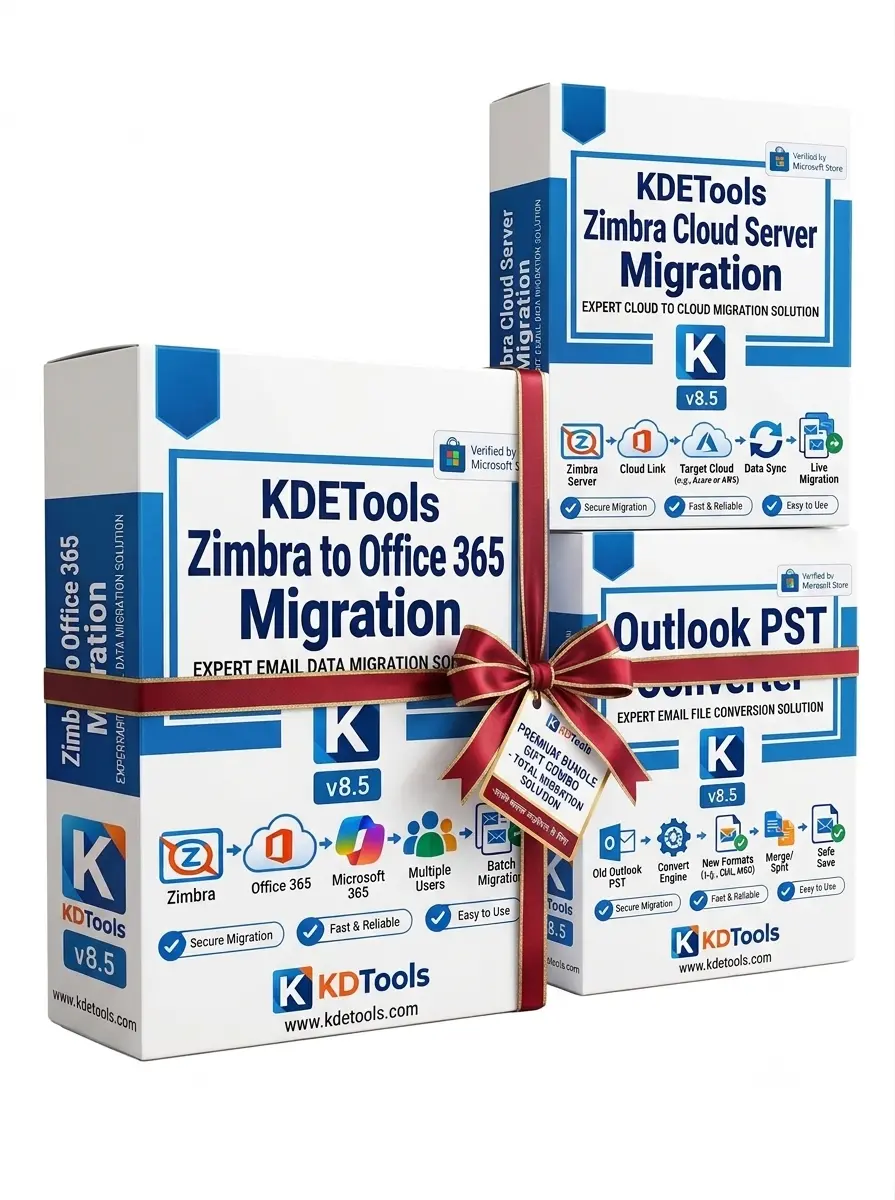 Special Bundle Offer Zimbra Managements Suite - LicenseSpecial - prices are illustrative. Configure the correct FastSpring and PayPal checkout URLs before publishing. |
Corporate LicenseFor Home & Personal Usage Save $1000 USD$1999 $999 USD
1-Year License
|
★ Most Popular
Technician LicenseFor Corporate Usage Save $2000 USD$3999 $1999 USD
2-Year License
|
Enterprise LicenseFor IT Service & IT Consultants Usage Save $2000 USD$4999 $2999 USD
Lifetime License & Free Uprgades
Instant License Delivery / Digital License Key Buy Now Pay with PayPal» Bulk or Impersonation & CSV Mapping » Connect Bulk Zimbra Server to O365 Environment |
|---|---|---|---|
| Installations | The Corporate version can be run on up to five machines (desktop or laptop). | The Technician version can be run on up to twenty machine for (Desktop or laptop) for IT Service & IT Consultants / Organizations staff use. | The Enterprise version can be run on up to multiple machine for (Desktop or laptop) for Entire Organizations / Commercial / Educational / IT Service & IT Consultants / Govt Usages. |
| Process unlimited Zimbra Mailbox / Server Data | Limted Number of Mailboxes | Standard batch migration | Advanced bulk online Zimbra mapping/migration |
| `CSV User Mapping & Impersonation | Not available in this version | Not available in this version | Reports in the app and as "CSV" |
| Delta Migration* New | Not available in this version | Not available in this version | Supported Delta Migration |
| Read and Views all mailbox items (Emails, distribution lists, briefcase, Contacts and Calendars) | |||
| supports all Zimbra version (6+ +8, +9, +10) on prem | |||
| Apply Multiple Date Filters | |||
| Migration filters | |||
| Selective user migration | |||
| Cloud Migration | ✓ Office 365 & G Suite | ✓ Office 365 / Microsoft 365 & Google Workspace / IMAP Server | ✓ Office 365 / Microsoft 365 & Google Workspace / IMAP Server (Domain-wide) |
| Supported Formats |
All 10 Formats
📂 PST
⭕ MBOX
📄 PDF
📊 CSV
✉️ EML
👤 VCF Calendar
📅 vCard ICS
📩 EMLX
📫 MSG
🌐 HTML
|
All 20 Formats + Cloud Targets
📂 PST⭕ MBOX📄 PDF📊 CSV✉️ EML
📩 EMLX📫 MSG🌐 HTML🌐 MHTML
📝 OLM📄 RTF📑 TXT👤 VCF📅 ICS
|
All 30 Formats + Cloud Targets
📂 PST
⭕ MBOX
📄 PDF
📊 CSV
✉️ EML
📩 EMLX
📫 MSG
🌐 HTML
🌐 MHTML
📝 OLM
📄 RTF
📑 TXT
👤 VCF Calendar
📅 vCard ICS
✉️ Zimbra
✉️ Lotus Notes
|
| IMAP Mail Migration |
All Cloud Targets
🌐 Google Apps
📫 Outlook.com
🔴 Office 365
☁️ Exchange
|
All Cloud Targets
🌐 Google Workspace
🌐 Google Apps
🔴 Microsoft 365
🟣 Yahoo
📫 Outlook.com
📫 Hotmail.com
📧 Live.com
🔴 AOL
☁️ iCloud
🔴 Office 365
☁️ Exchange
🏢 Company IMAP
|
All Cloud Targets
🔴 Office 365
🌐 Google Workspace
☁️ Exchange
☁️ Rediff.com
☁️ iCloud
🌐 Microsoft O365
🟣 Yahoo
📫 Outlook.com
🔴 Microsoft 365
📫 Hotmail.com
📧 Live.com
🔴 AOL
☁️ Gsuite
☁️ Godaddy
🏢 Company IMAP
|
| OS Support | Windows & macOS | Windows & macOS | Windows & macOS |