KDETools
Zimbra to CSV Converter - List of Key Features

Migration of Batch Zimbra in CSV at once
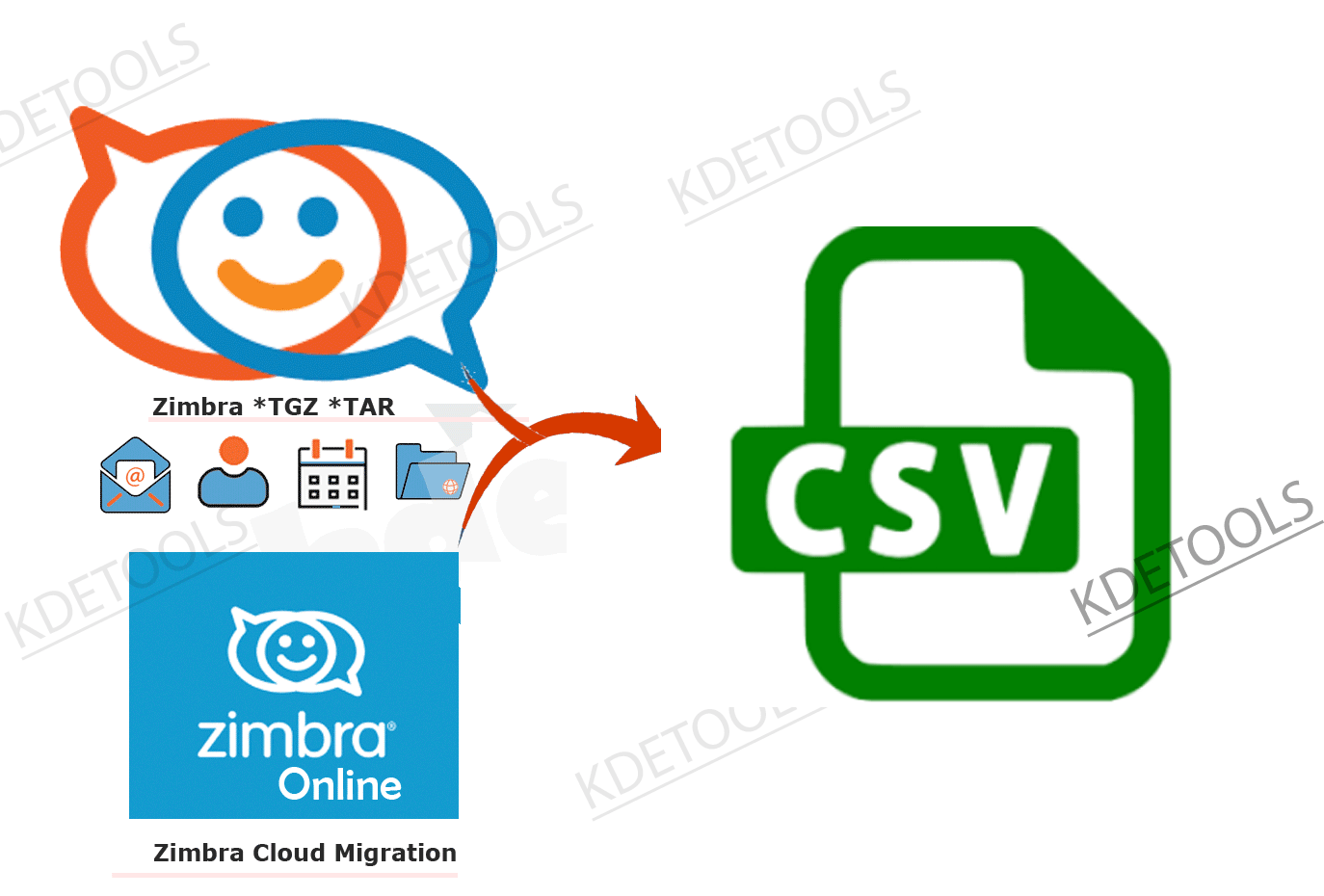
The powerful Zimbra to CSV converter consists of the 'Batch Conversion' feature that allows the user to choose multiple Zimbra files in just one click and convert it to CSV directly without any hassle. The 'Batch Conversion' feature enables the users to select multiple items at once and convert them to CSV.
Using the File Mode Option: This option enables the user to make a separate CSV file for each Zimbra file..
Using the Folder Mode Option: This option allows the user to join CSV folders into a separate CSV folder..
Maintains the Original Folder Structure and Email MetaData
The advanced Zimbra to CSV converter maintains the original folder structure after the conversion of data from Zimbra to CSV is completed. The user will encounter that the software maintains the original folder and hierarchy and structure after converting the original folder structure. The software also preserves email Metadata including Cc, Bcc, From, Subject, To, Date, etc. The advanced software retains the original form of an email Metadata and will not make any major and minor modifications after the conversion process is completed..
Convert Zimbra Items to 30+ File Formats
The robust Zimbra Mailbox converter has multiple advanced and latest features that provide the flexibility to convert Zimbra items to various file types like vCard, vCal, Office 365, Exchange Server, OST, NSF, HTML, PDF, Zimbra, Gmail, etc.
Zimbra Contacts to CSV: Use Zimbra in CSV file format by converting the data via the software.
Zimbra Contacts to Office 365: To operate the Zimbra elements into Office 365 directly, the user will have to export the Zimbra items to Office 365 accounts.
Zimbra Contacts to Lotus Notes: To operate the Zimbra elements into NSF format, the user will have to export the Zimbra items to NSF formate.
Zimbra Contacts to vCard: The user can use Zimbra items in the vCard file type by using the software.
Zimbra Contacts to Gmail: To access the Zimbra items in Gmail, convert the data via the tool.
Import Zimbra Items to Office 365 Account Directly
The Zimbra to CSV tool directly imports Zimbra items to Office 365 account. The user will find more than 30 file formats, however, they need to select 'Office 365' from the available options. Submit the correct details of their O 365 account such as username and password and start the conversion of Zimbra to Office 365. The robust tool is compatible with various Office 365 plans. ..
Convert Zimbra Items to Exchange Server Directly
The leading Zimbra to CSV tool converts directly from Zimbra items to a Live Exchange Server account. The user needs to double-click on the 'Live Exchange Server' option and make sure that you fill in the details of your Exchange Server account like IP or Domain Name, Exchange Version, Username or Email ID, and password. .
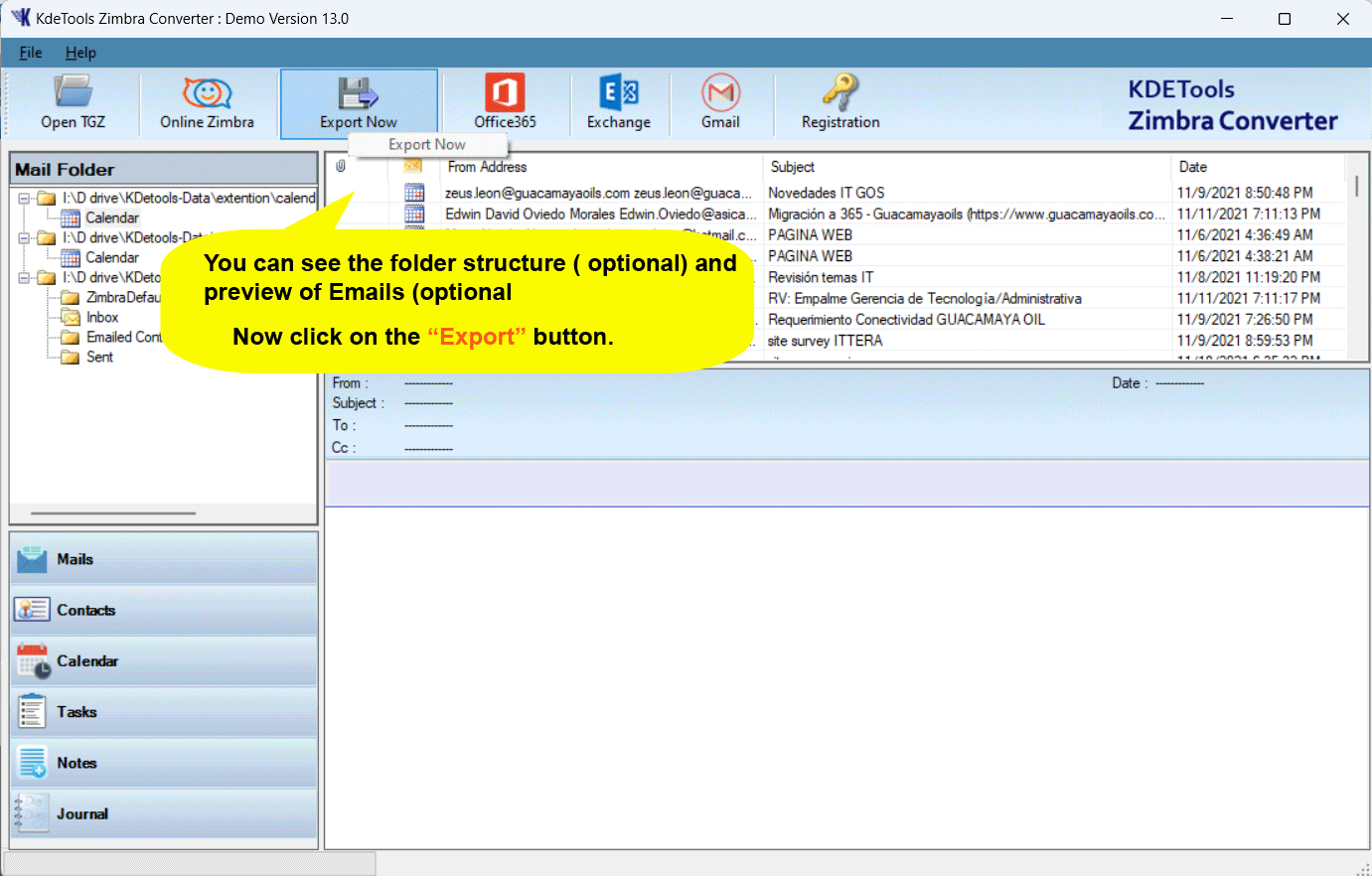
Download and Follow These Steps to Converts Zimbra Contacts to CSV file formats


Software Specifications
| System Requirement |
Processor Minimum Pentium Class |
Operating System Windows 10, 8.1, 8, 7, Vista, XP |
Memory 512 MB Minimum |
Hard Disk 50 MB of free space |
| Software Delivery |
Electronic Yes |
|||
| License & Version |
Single User License Can use only on a single system |
Technician License Can be used on '3' systems simultaneously |
Version 5.5 |
|
| Interface Available |
Language Supported English, German, French, Italian, Spanish |
|||
| Download Guides |
Installation Guide User Manual Purchase Related FAQs | |||
![]()
D - 478, Sector - 7,
Dwarka, New Delhi - 75,
India
Call Us:
91-9555-514-144
Useful Links
About Us
Legal Policy
Privacy Policy
Refund Policy
Quality Policy
Sitemap
Find Us
![]()
![]()
KDETools Software® is the Registered Trademark of KTools Software Pvt. Ltd.
© Copyright 2026 www.kdetools.com. All Trademark Acknowledged.