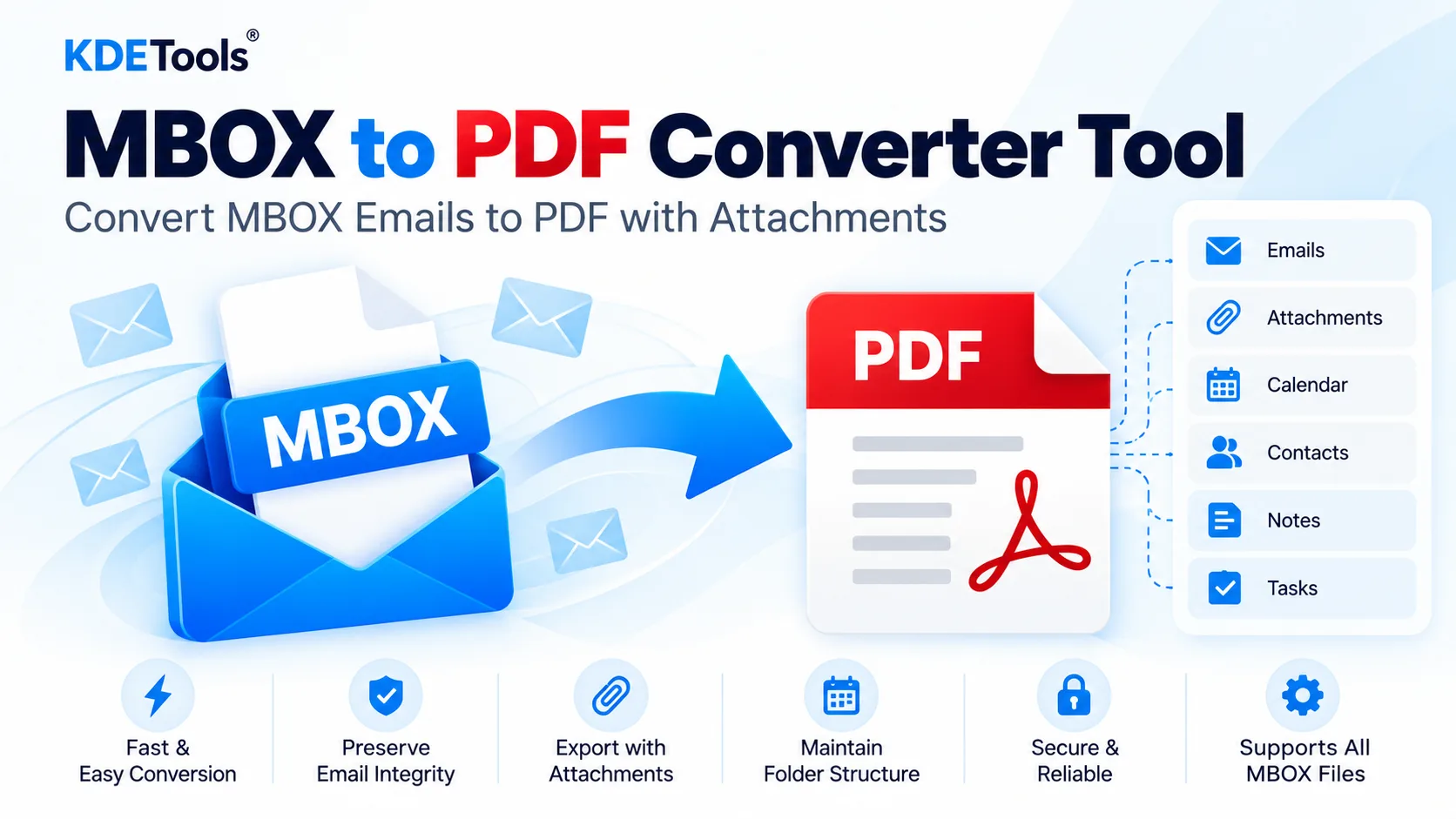
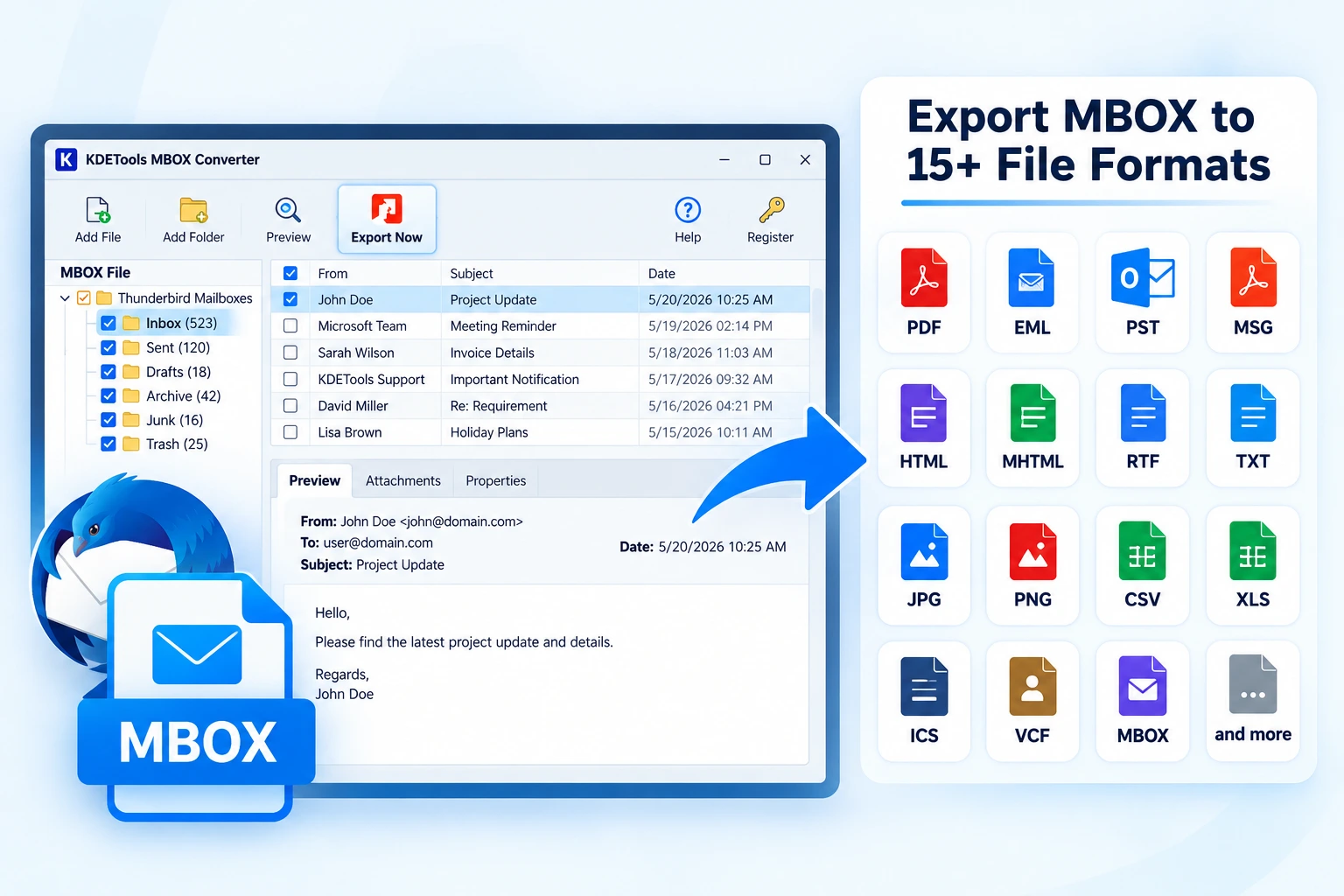
MBOX to PDF Converter comes with various functionalities that make it easy for the user to convert the data stored in MBOX files into the PDF document. KDETools MBOX to PST converter lets you preview the emails, move several MBOX files in one go, and filter emails as per your requirement. MBOX to PDF converter ensures retention of key attributes associated with emails.
Supports all MBOX Supported Email Client Apps
MBOX to PDF converter is a powerful software that is equipped with the latest features and it supports all MBOX supported email client applications like Thunderbird, Apple Mail, Evolution, Google Takeout, Mail Copa, Netscape, Pocomail, EarthLink, Chaos Intellect, Entourage, Eudora, Spicebird, Opera Mail, Turnpike, and etc. By using the software, the users can convert from the MBOX supported email clients to PDF easily and securely without any hassle.
- Eudora: By using the converter, the user can access files from Eudora to PDF.
- Apple Mail: By using the software, the users can convert their Apple Mail files to PDF file type.
- Thunderbird: The powerful software facilitates the users to convert Thunderbird files to PDF file type.
- Netscape: By using the tool, the users can convert their files from Netscape to PDF file type.
Maintain Data Integrity & Print Ready
Original structure, formatting, contents, and properties of the emails and all the other items present in the mailbox are preserved in the same way while converting MBOX files into the PDF file format. The MBOX to PDF converter retains the original folder and sub-folder structures of the converted MBOX files in safe way.
This is the most effective converter as it enables users to convert MBOX files into PDF format in such a way that it helps in meeting the printing requirements of the users. It is helpful for users to maintain their important documents and can be kept as backup and used in courts for investigations.
MBOX Email to PDF converter tool helps to retain all the emails and their attachments perfectly without losing or distorting anything. This is because of the privacy function which keeps all the sensitive data safe from the users’ side.
'Batch Conversion' of MBOX to PDF
MBOX to PDF tool consists of the 'Batch Conversion' option that enables the users to select multiple MBOX files in one go. By using this advanced feature, the users can upload multiple MBOX files at once and save their time significantly.
This advanced feature will help the users to select multiple MBOX files at once and convert it to PDF file type safely.
- Use File Mode: The 'File Mode' option will enable the users to make a separate MBOX file.
- Use Folder Mode: The 'Folder Mode' option will help the user to join multiple MBOX folders into one.
For Forensics Investigation and Legal Purpose
This changer emails for MBOX to PDF tool also helps legal advisors, lawyers, attorneys, and forensic analysts to get and gather information fromt he emails and devices into a form of PDF format. So, by using this MBOX email to PDF converter, a user can easily convert the MBOX files and display the large number of MBOX email files as well as attachments. Furthermore, it also makes the presentation of evidence very professional and useful.
You will find numbers of file naming options, so you can choose any file naming options that contain various combinations like Subject, Date, From, Hour, Day, Month, Year, Email-ID, and Auto Increment.
Get PDF with Attchments and Without Attachments
It occurs when the user requires conversion of the email attachments to PDF format for some purpose. In this regard, the MBOX to PDF exporter tool offers a “Convert Attachment as PDF” feature in the pro version only. It allows all types of attachments regardless of their extensions to be converted into PDF, making it flexible for all kinds of files.
Also it is also required only PDF file without attachments from Emails, in this case there would be a different folder would be generated for email attachments instead of PDF file.
PDF file would be heavier and this would not make any sense to get attachment of audio, video small files and those cant even be open with PDF format.
There is the facility to either embed the attachments in the PDF document or save it separately in a particular folder. You can make your documents, images, and files easily accessible by maintaining a structure of the PDF emails. In addition, you can keep the emails separate from attachment files.
Easy Interface & Supports all Windows OS
Install the converter for MBOX emails to PDF Install the MBOX emails to PDF converter application in any version of Microsoft Windows Operating System. Carry out email to pdf conversion without any difficulty and save your time and efforts by automating the process. It is very flexible software that has an easy to use interface that helps in carrying out email to pdf conversion easily and quickly.
Duplicate email removal feature of KDETools MBOX to PDF file converter application is one of its most notable features. This feature avoids duplication of email while converting the similar emails by taking into account the "to," "from," body, "subject," and "CC." Also, the Date filter feature lets the conversion of emails within a certain date range.
- Microsoft Windows: Supports all versions of Windows 11, 10, 8.1, 8, 7, Vista, XP.